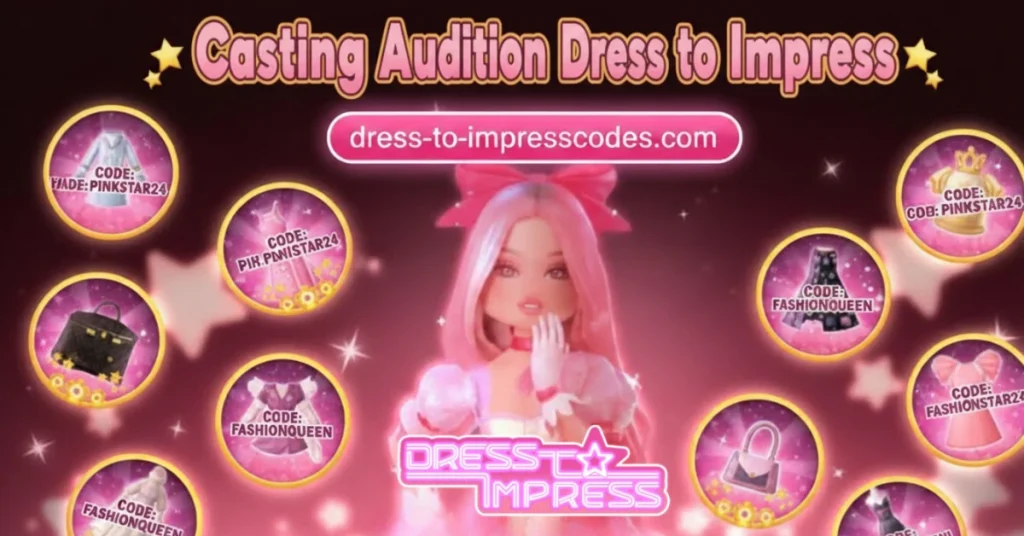
How Gaming Fashion Creators Turn Runway Looks Into Eye-Catching Short Videos
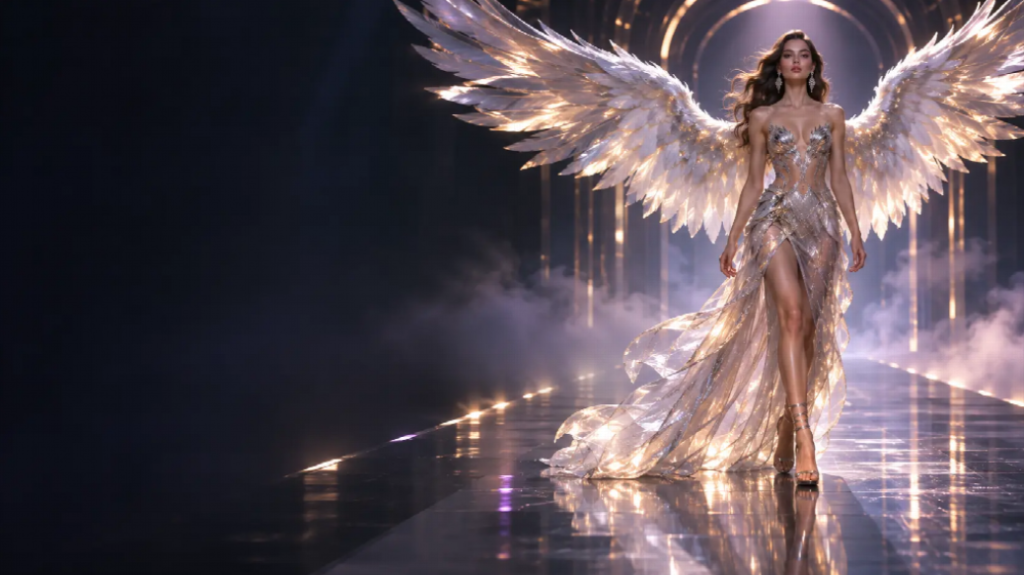
A virtual runway look can tell an entire story through a dramatic silhouette, an unexpected accessory or a clever interpretation of a dress-up theme. Players who share their creations through short videos have another dimension to work with: movement. Combining original gameplay footage with creative editing and an ai video generator can turn a collection of outfit screenshots into a miniature fashion film, complete with atmosphere, transitions and a distinctive visual identity.
The fun of games such as Dress to Impress on Roblox lies partly in seeing how differently players interpret the same theme. A short fashion video can capture that individuality without needing to reproduce an entire runway round. The challenge is making the styling the star, even when the edit becomes ambitious.
Four Ways to Show Off a Virtual Outfit
Not every gaming fashion video needs a dramatic transformation. The format should depend on what makes the outfit interesting. Some looks deserve a slow reveal; others work best as part of a fast-moving collection.
The runway showcase
This format puts a single outfit centre stage. Start with a clear full-length view, then use closer shots to highlight details that might disappear on a small screen: layered accessories, unusual colour combinations or the shape of a skirt. Finish with a pose that brings the complete silhouette back into view. Original gameplay footage is especially useful here because viewers can see how the outfit actually appears in the game.
The outfit transition
A transition video plays with contrast. A soft pastel outfit can give way to a sharply structured black look, or a casual streetwear combination can become a futuristic runway costume. Matching the avatar’s position and camera framing on either side of the cut helps the change feel deliberate. A well-timed switch often needs less visual decoration than creators expect.
The themed lookbook
A lookbook connects several outfits through a shared idea. Rather than showing five unrelated looks, build a small collection around a colour, a fictional setting or a particular fashion era. Repeating a visual motif between outfits gives the collection a sense of direction. You can also show how one accessory or colour appears in several different styling combinations.
The fashion concept film
This format takes a virtual outfit beyond the original runway setting. An atmospheric introduction might evoke a moonlit garden, a retro shopping arcade or an abstract futuristic exhibition. AI-generated scenes can provide a creative backdrop for the original gameplay footage. The result is closer to a fashion editorial than a record of a game round, so distinguish the imagined visuals from actual in-game content.
Give Each Aesthetic Its Own Visual Language
A recognisable style comes from more than the clothes. Camera rhythm, background colours and the movement between shots can reinforce the same aesthetic. Here are five directions worth exploring when planning a virtual fashion video.
Y2K: Playful, glossy and energetic
Metallic accessories, bright pinks, icy blues and shiny surfaces can inspire a video with the feel of a retro digital fashion catalogue. Try a compact series of outfit switches, framed by chrome-inspired shapes or a simple graphic border. Keep the avatar clearly visible; a screen full of sparkles can make the styling surprisingly difficult to appreciate.
A strong opening might show a close-up of a metallic bag before cutting to the complete outfit. Repeat the same accent colour in the title graphic or transition to connect the details with the overall look.
Gothic romance: Let the atmosphere build
Deep reds, black lace, dark florals and dramatic silhouettes suit a more measured rhythm. Instead of rapid cuts, use slow reveals, soft shadows and occasional close-ups. A generated shot of candlelit arches or drifting velvet curtains can introduce the theme before the real outfit appears.
Dark aesthetics need particular care on mobile screens. If the clothing and background are both nearly black, the silhouette may disappear. A subtle lighter backdrop or a narrow area of contrasting colour can help define the shape without losing the mood.
Avant-garde: Make the silhouette the event
Unusual proportions, exaggerated shapes and unexpected combinations are often the most interesting part of an experimental outfit. A clean architectural background allows those features to stand out. Use asymmetrical framing or a change in camera angle to draw attention to the structure rather than covering it with animated effects.
Abstract motion graphics can work as punctuation between looks. Geometric forms that briefly fill the screen create a natural place for a cut, while leaving the actual outfit free from unnecessary distortion.
Fairycore: Small movements, soft details
Pastel colours, botanical accessories and flowing shapes lend themselves to gentle motion. Floating petals, a soft breeze through leaves or shifting patches of sunlight can establish the atmosphere. Let the outfit remain visible for long enough that viewers can appreciate its layered details.
A useful colour strategy is to choose one shade from the outfit for the surrounding environment, rather than filling the scene with every pastel colour at once. This creates a visual connection without making the character blend into the background.
Futuristic fashion: Precision and contrast
Silver, cool neutrals and neon accents can suggest a futuristic fashion exhibition. Moving bands of light, reflective surfaces and simple architectural forms make effective visual companions to structured outfits. A light sweep can also provide a clean transition between two contrasting looks.
Keep the brightest effects away from the most important accessories. If a visor, bag or pair of boots is the centrepiece of the outfit, give it a stable, readable shot before introducing the next visual effect.
Bring Static Fashion Concepts Into Motion
Sometimes the best image of an outfit is a screenshot rather than a video clip. Perhaps the pose was particularly effective, or the original runway recording did not capture the angle you wanted. There are several ways to build motion around that still image.
The simplest option is to animate the screenshot in an editor. A gentle digital push-in, a horizontal pan or a controlled crop can draw attention to the details while preserving the original image. This is a good choice when accuracy matters, particularly for outfit tutorials and item showcases.
For a more imaginative interpretation, image-to-video tools such as Dreamina can explore movement based on a reference image. You might experiment with a slow camera approach, a change in environmental lighting or an animated background. Use a clear screenshot and keep the requested motion modest to reduce the chance of unwanted changes.
A prompt for a stylised fashion preview could read: Slow camera push towards the reference fashion avatar, preserve the original outfit silhouette, colours and accessories, subtle pink and silver reflections moving across the background, stable pose, clean editorial lighting, no costume transformation, no added text.
Instructions to preserve details are useful, but they are not guarantees. Inspect the entire generated clip, not just its opening frame. Accessories can disappear, fabric patterns may change and character proportions can shift. If the result no longer represents the actual outfit, use it as an explicitly labelled creative interpretation or choose another approach.
Create transitions without changing the outfit itself
You do not need to animate the avatar to benefit from AI-generated video. Separate transition clips can be particularly effective because they give you creative freedom without risking changes to the original look.
For a Y2K collection, try generating a short abstract clip of glossy chrome ribbons sweeping across a pale pink background until they briefly cover the entire frame. Place the cut to the next outfit at the point of full coverage. For a gothic collection, dark red petals drifting across the foreground could serve a similar purpose.
Keep the transition short enough that it does not interrupt the fashion showcase. If viewers spend more time looking at abstract effects than at the outfits, the balance has probably shifted too far. You can reuse a distinctive transition throughout a series to establish a recognisable editing style.
The Editing Details That Make a Lookbook Feel Polished
Before recording, decide whether your video is about one outfit or a collection. This affects the shots you need. A single look benefits from a complete view and carefully selected details. A collection benefits from consistent framing so that viewers can compare the outfits.
Record a little extra footage before and after each pose. Those additional frames make it easier to find a clean cutting point. Where possible, capture the same camera angle and avatar position for consecutive looks. If you cannot reproduce the pose exactly, a brief foreground transition or a cut to an accessory can bridge the difference.
Cut to the rhythm of the music
Listen for the main beats and mark the points where you want an outfit to change. You do not need to cut on every beat. Holding a particularly striking look across several beats can make the next switch feel more significant. A slower introduction followed by a faster sequence may suit a collection with a dramatic final outfit.
Choose audio you are permitted to use for the intended platform and purpose. Music licensed within one app may not be cleared for reposting elsewhere. Keep a clean version of your video without music so you can adapt it for different channels.
Frame for the phone, not the editing monitor
A vertical 9:16 canvas, such as 1080 by 1920 pixels, is a useful starting point for short-form fashion videos. If your original gameplay recording is horizontal, cropping it directly can cut off wide sleeves, wings, shoes or accessories. Instead, adjust the crop for each shot or place the original footage inside a designed vertical layout.
Leave space around the avatar and check the platform preview for buttons, captions and other interface elements that could cover important details. A theme label near the edge of the editing canvas may be perfectly readable in the editor but obscured after publication.
Let the text help viewers appreciate the styling
A short theme name or a few words identifying a key accessory can add useful context. Avoid placing a long explanation over the outfit. If you are sharing actual game item information or redemption codes, verify them and place longer details in the caption where viewers can read them at their own pace.
Do not rely entirely on sound to explain a transformation. The visual sequence and any essential text should make sense on mute. Review the final export on a phone and look for awkward crops, unreadable lettering, distracting effects and sudden changes in image quality.
Build a Recognisable Fashion Series
A collection of short videos can develop its own identity without every episode looking identical. Keep a recurring title treatment, a consistent approach to framing or a signature transition, then allow each fashion theme to have its own colours and rhythm.
Pay attention to the questions viewers ask. Requests for accessory details may suggest that your close-ups need more time. Interest in alternative styling combinations might inspire a lookbook featuring several versions of the same theme. If you have access to viewing statistics, compare where people stop watching across similar videos, but remember that a single result cannot establish which editing decision caused the difference.
The appeal of virtual fashion is the freedom to interpret an idea in unexpected ways. Original gameplay shows the creativity that went into the outfit, while generated visuals can extend that idea into a more expressive setting. Used thoughtfully, both can contribute to a short video that feels unmistakably like your own work.